


Owning your analytics data changes what you can do with it. When the servers sit on your own infrastructure, visitor information never leaves your control, consent workflows can get simpler, and no third party decides how long your historical data survives. Still, the trade-off is real. You take on hosting, maintenance, and updates yourself, while feature sets vary widely from bare-bones page counters to full product-analytics suites.
- In Brief: Our Ranking
- 1. Matomo
- 2. Umami
- 3. PostHog
- 4. Ackee
- Comparing the 4 Self-Hosted Analytics Tools
- FAQ
- What Does Self-Hosted Analytics Actually Mean?
- How Does Self-Hosting Affect GDPR Compliance?
- Can a Small Team Realistically Maintain a Self-Hosted Analytics Tool?
- What Infrastructure Is Typically Needed, and What Does It Cost?
- Verifying Self-Hosted Edition Parity Before Deployment
Choosing among the best self-hosted analytics solutions comes down to matching data scope with your team’s server administration capacity. Matomo provides a full PHP and MySQL web analytics suite, Umami and Ackee offer lightweight cookieless traffic dashboards, and PostHog pairs product analytics with feature flags and session replays.
Choosing between the available platforms means weighing privacy compliance against depth of insight, matching the tool’s complexity to your team’s capacity, and deciding whether you need session replays, funnels, or clean traffic numbers. Cost matters too, though not always the way you’d expect. The license may be free while the infrastructure bill climbs alongside your traffic.
The four platforms below cover a wide range of needs. One is a mature, plugin-rich suite that Matomo states is used on more than 1.4 million websites across over 190 countries. Another is a lightweight, single-purpose tracker you can typically deploy on a small, low-cost VPS as an illustrative starting assumption. The two in between sit somewhere along that scale. Sources: evidence
In Brief: Our Ranking
Each of these four self-hosted analytics platforms targets a distinct operational workload, ranging from full conversion optimization on a traditional LAMP stack to minimal page-level counters and containerized product engineering suites. Review the summary below to match each vendor’s stated capabilities against your infrastructure and licensing requirements.
- Matomo: vendor-described privacy-focused analytics suite with cookieless tracking across cloud or self-hosted deployments, plus paid add-on modules for heatmaps, funnels, and A/B testing.
- Umami: lightweight open-source dashboard focused on clean traffic metrics, event tracking, and fast setup on your own server or Umami Cloud.
- PostHog: product-analytics platform combining web analytics, feature flags, session replays, and experimentation; confirm current self-hosted deployment support and licensing terms before committing.
- Ackee: minimalist, open-source Node.js and MongoDB tracker built for developers who want page-level stats without individual user profiling.
1. Matomo

Matomo is one of the most comprehensive self-hosted analytics tools you can install today, and it has the longest history in this group. According to Matomo’s official history, it started in 2007 as Piwik, took the Matomo name in 2018, and now runs on more than 1.4 million websites across over 190 countries. The On-Premise edition is open source and free, with no license fee, no hit cap, and no expiration. Your data sits on your own servers inside a MySQL or MariaDB database you can query directly.
Installation runs on a standard web server with PHP and MySQL or MariaDB (check Matomo’s current installation documentation for exact supported PHP versions and server sizing guidance for high-traffic environments). Because of this stack, it runs on a shared host, a VPS, or a container. WordPress users can also install it as a plugin without doing separate database setup. Drop one script on your pages and tracking goes live. If you later decide you’d prefer not to run it yourself, Matomo offers a managed Matomo Cloud plan hosted in Germany, and the vendor states its team can migrate your data in either direction; verify current monthly pricing tiers directly on Matomo’s pricing page.
According to Matomo’s documentation, the free core covers visits, acquisition, goals, e-commerce, events, site search, real-time reports, segments, and custom dashboards, all built on unsampled data. Advanced modules are where self-hosters need to budget. Funnels, heatmaps, session recordings, form analytics, A/B testing, and media analytics are paid plugins sold individually or in bundles and installed on your own instance. A newer vendor-described AI Assistants report separates visits by ChatGPT, Claude, Copilot, and other agents from human traffic to show which pages they fetch.
On compliance, Matomo states that the platform can run without cookies, anonymizes IPs, includes a GDPR manager for access and erasure requests, and has been listed under specific configuration rules by France’s CNIL as capable of collecting audience data without prior consent. Because regulatory guidance changes, verify current CNIL and local data-protection conditions before disabling consent banners. Since the whole stack lives on your infrastructure, no third party sees the raw data.
More Read

Migration and integrations are covered too. Matomo provides an importer to pull in historical Google Analytics data, lists over 100 integrations connecting WordPress, Google Tag Manager, and common CMS and e-commerce platforms, and ships its own tag manager.
Pick Matomo if you want a full web analytics suite on servers you control and are willing to pay for the advanced modules as you need them.
2. Umami
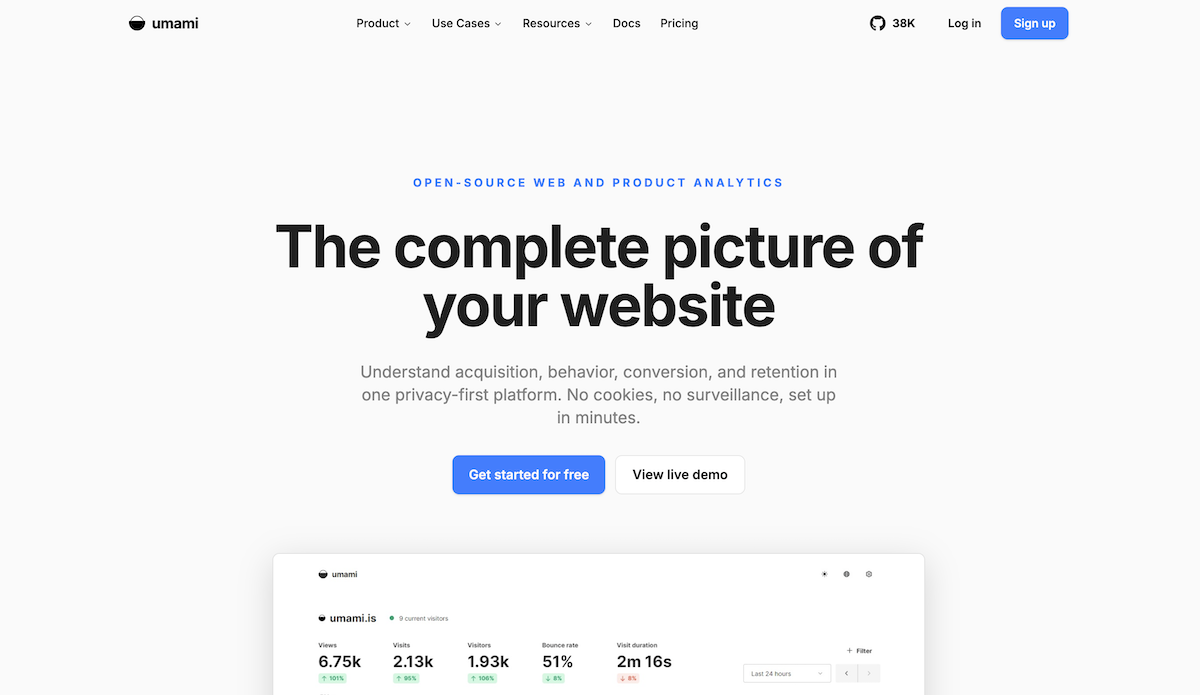
Umami is an open-source web analytics platform that runs on your own server or on Umami Cloud. You install it by adding a lightweight script, and the dashboard starts collecting data with no cookies and no persistent individual user tracking across sites.
The interface displays core page-level and session-level traffic metrics at a glance, filterable by date, country, and device, so you can see total pageviews and distinct visitor sessions without building custom reports. According to Umami’s documentation, beyond pageviews, the platform handles custom event tracking for actions like button clicks or sign-ups without complex code, alongside automatic UTM campaign attribution, multi-channel attribution, and revenue tracking tied to traffic sources.
Umami fits teams that want a clean, privacy-first traffic dashboard with enough depth to track campaigns and revenue, minus the overhead of a full product-analytics stack.
3. PostHog
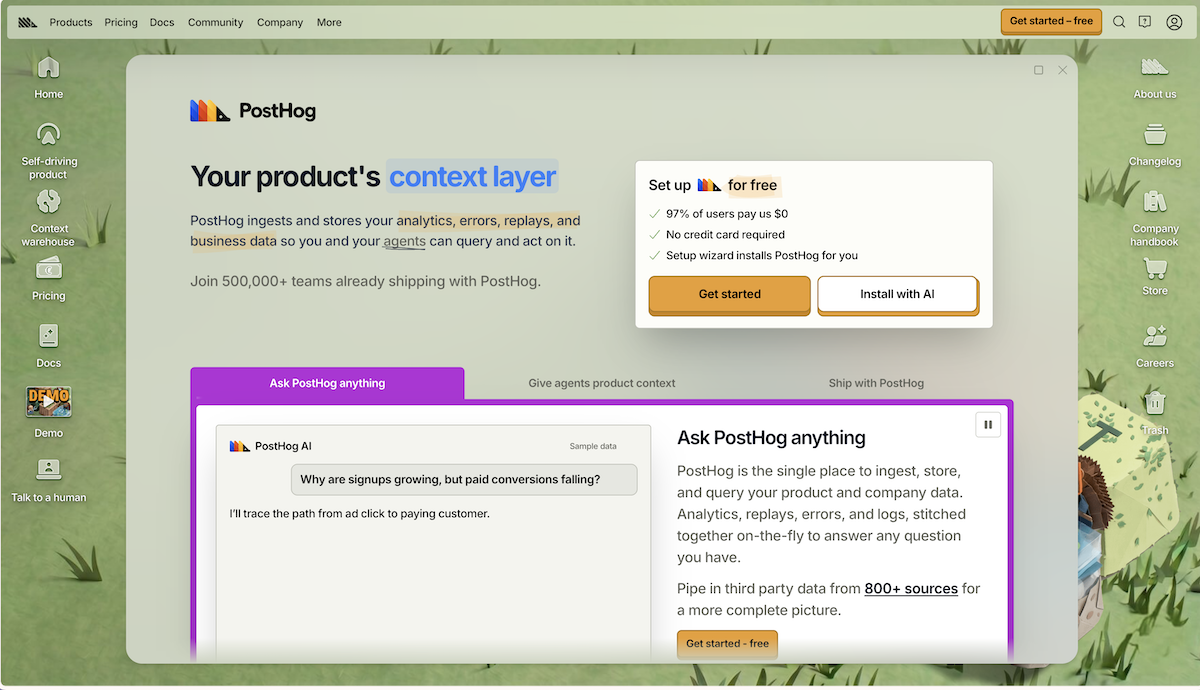
PostHog bundles web analytics and product analytics under one platform. Beyond standard traffic reports, its product suite includes feature flags, session replays, A/B experimentation, and a data warehouse. Before committing to an on-premises rollout, check PostHog’s current documentation for self-hosted deployment support, licensing terms, and feature parity between PostHog Cloud and hobby/open-source Docker deployments, as community discussions on r/selfhosted note that official support focuses heavily on PostHog Cloud.
That breadth matters for product and engineering teams that want behavioral data alongside release-level experimentation. Instead of stitching together a web-analytics tool, a feature-flag service, and a session-replay product, PostHog consolidates them under one event model. The core repository is published on GitHub, alongside a managed free tier on PostHog Cloud.
Because the scope is wide, the initial learning curve is steeper. PostHog is best suited to product-led companies whose engineers want analytics, experimentation, and feature management in one place, and who have the infrastructure capacity to run or manage it.
4. Ackee
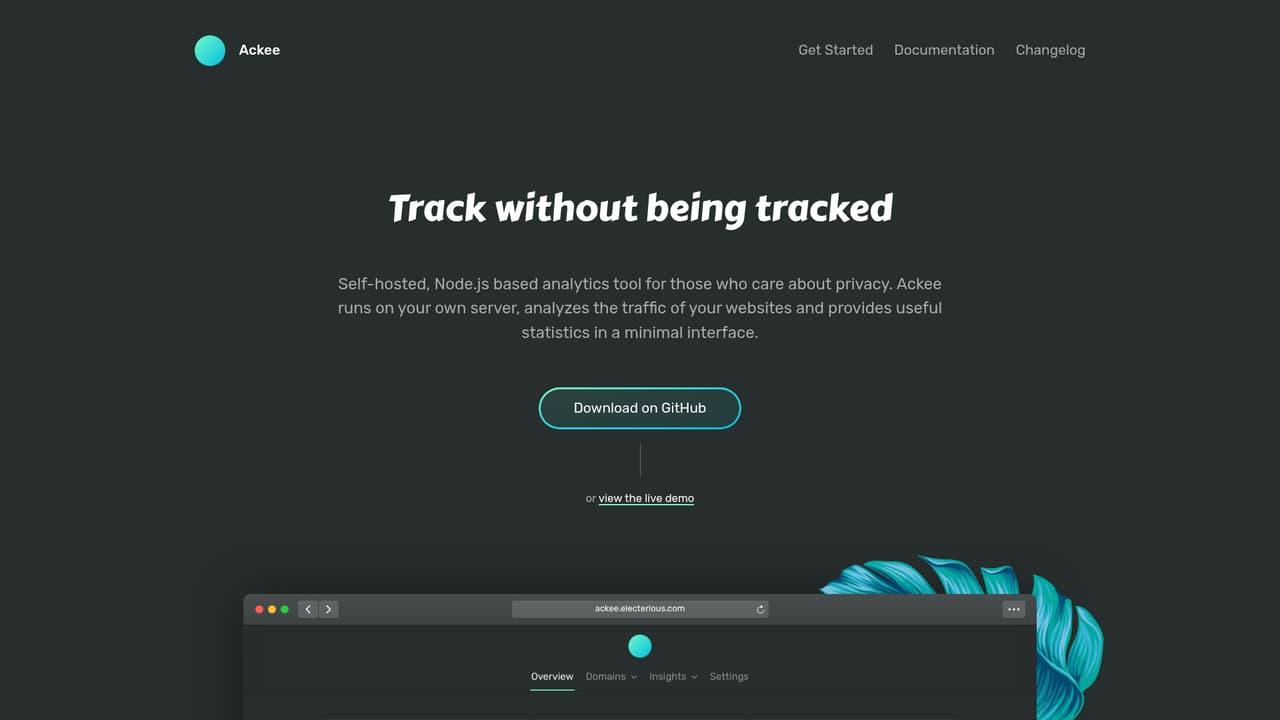
Ackee is a fully open-source, self-hosted analytics tool that deliberately limits its scope to page-level statistics. It tracks visits, durations, referrers, screen dimensions, operating systems, and browsers, and is designed not to track unique users across sessions.
According to Ackee’s documentation, a multi-step anonymization process strips identifying information before storage. Because it uses no cookies and data stays on your server, it is designed to avoid cookie consent banners in many jurisdictions, though you should always verify local privacy rules. The tracker script works much like a standard analytics snippet: create a domain in the dashboard, paste the generated code, and collection begins. You can monitor multiple domains and applications from a single instance.
Vendor-documented deployment options have included Docker, Heroku, Netlify, and manual Node.js setup alongside a centralized GraphQL API for custom interfaces (confirm currently supported hosting presets in Ackee’s repository documentation before deploying). The dashboard is intentionally minimal, with clear charts and fast load times.
Ackee is particularly well suited to developers and small teams who need straightforward traffic numbers on a modest server budget, with zero interest in user-level profiling.
Comparing the 4 Self-Hosted Analytics Tools

Selecting the right self-hosted analytics platform depends on whether your team needs page-level traffic summaries, marketing attribution, or full product telemetry with session replays. The table below compares Matomo, Umami, PostHog, and Ackee across workload fit, deployment architecture, data scope, consent posture, and operational maintenance load based on each vendor’s stated architecture.
| Platform | Best-Fit Workload | Deployment Path (Vendor-Described) | Data Scope | Cookie & Consent Posture | Relative Maintenance Load |
|---|---|---|---|---|---|
| Matomo | Full web analytics & compliance-heavy sites | PHP web server + MySQL/MariaDB, Docker, or WordPress plugin | Web traffic, goals, e-commerce, plus paid CRO plugins | Cookieless mode & IP anonymization available (check local CNIL/GDPR rules) | Moderate (database tuning & plugin updates) |
| Umami | Privacy-first marketing & campaign dashboards | Docker or Node.js + relational database, or Umami Cloud | Pageviews, sessions, custom events, UTM & revenue attribution | Cookieless by default; no persistent cross-site user profiles | Low (lightweight container & schema updates) |
| PostHog | Engineering & product-led application teams | Docker Compose (hobby/open-source) or PostHog Cloud; verify self-hosted parity | Product analytics, web traffic, feature flags, session replays, experiments | Configurable event & user tracking (requires consent review per jurisdiction) | High when self-hosted (multi-service stack & event storage growth) |
| Ackee | Developer sites needing basic traffic metrics | Docker or Node.js + MongoDB, plus GraphQL API | Page-level stats, referrers, durations, and basic custom events | Cookieless with multi-step anonymization (verify local rules) | Low (minimal footprint, limited to page-level data) |
“Google Analytics ships your visitor data to Google. These open source, self-hosted alternatives keep your data on infrastructure you control, GDPR-compliant out of the box.”
Parth, Open Source Alternatives, opensourcealternatives.toFAQ
Teams moving away from third-party SaaS trackers usually face immediate questions around server ownership, European privacy regulations, day-to-day system administration, and real hosting expenses. The answers below break down what running your own analytics stack requires in practice and how infrastructure costs scale as event volume grows.
What Does Self-Hosted Analytics Actually Mean?
Self-hosted analytics means you install and run the tracking software on servers you control, whether physical hardware, a VPS, or a private cloud instance. Visitor data stays on your infrastructure and never passes through a third-party SaaS provider. The practical upside is full ownership: you decide retention periods, access rules, and geographic storage locations. The trade-off is that your team handles updates, backups, and scaling, which requires some system-administration capacity.
How Does Self-Hosting Affect GDPR Compliance?
Hosting analytics data on your own servers removes the legal complexity of transferring personal data to a third-party processor in another jurisdiction. You still need a lawful basis for collection, but fewer parties are involved, which reduces your compliance obligations. Some self-hosted tools support cookieless tracking, which can qualify for consent-exempt collection under certain data-protection authorities. Check your local guidelines before skipping a consent banner.
Can a Small Team Realistically Maintain a Self-Hosted Analytics Tool?
Yes. A small team can realistically maintain a self-hosted analytics tool if setup complexity matches administrative capacity. Lightweight options like Ackee or Umami run on minimal infrastructure with low maintenance, whereas full stacks like Matomo or PostHog demand more updates and monitoring.
What Infrastructure Is Typically Needed, and What Does It Cost?
Typically, the needed infrastructure ranges from a small VPS with one or two CPU cores for lightweight tools to multi-core servers for full analytics stacks. Hosting costs typically start around $5 to $20 monthly for entry-level VPS servers, scaling up with traffic volume and storage requirements.
Verifying Self-Hosted Edition Parity Before Deployment
Before provisioning a production VPS or migrating historical logs, audit the repository documentation and licensing terms for each of the four solutions: Matomo, Umami, PostHog, and Ackee. Confirm which modules require paid licenses or remain cloud-exclusive, and verify what level of community or paid support applies to on-premises instances.