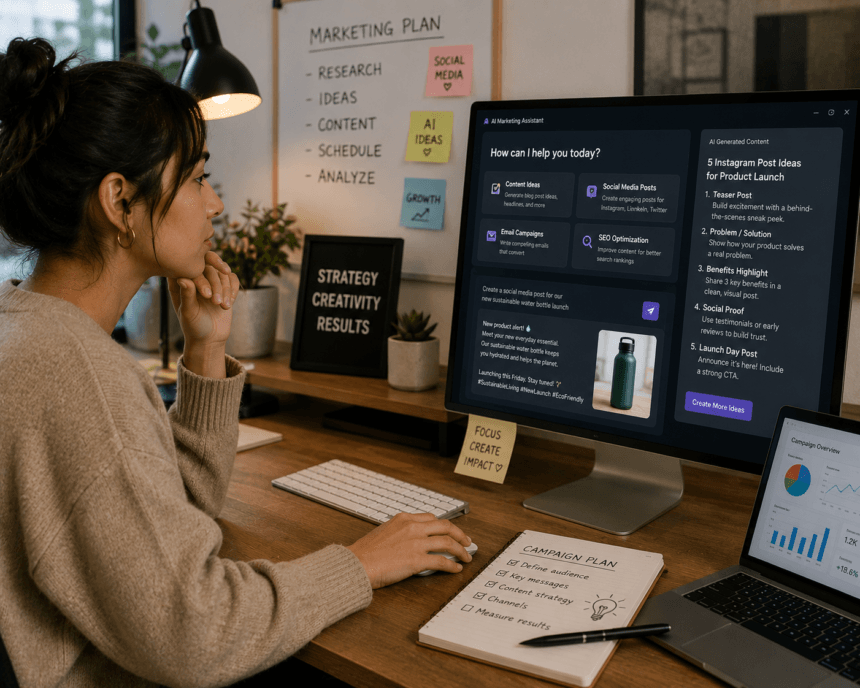
Smart Data Collective is committed to helping companies understand how AI can make marketing easier, faster, and more practical without taking away the human side of the work. A report, Think Big with AI: Transforming Small Business Content Marketing by Semrush, found that 67% of small businesses now use AI for their marketing.
Melanie Deziel, Speaker, Author, Co-Founder of Creator Kitchen, says, “In 2024, content marketers need to practice bringing our most human selves into our work. We need to show up with vulnerability, transparency, and candor. Let’s recognize the power of our lived experience and share personal stories and lessons—instead of citing overused case studies and simply relaying the stories of big names and even bigger brands.” Keep reading to learn more.
How AI Helps Businesses Improve Their Marketing
A report from the Digital Marketing Institute states that 92% of businesses want to invest in generative AI. It is clear that many companies see AI as a useful way to create content, study customer behavior, and plan campaigns with more confidence. Another thing businesses can gain from AI is the ability to spend less time on repetitive tasks and more time building stronger messages for their audiences.
If you work in marketing, you already know the pressure. You need fresh visuals and short videos almost every day, they have to look on brand, and they have to be cleared for commercial use. Playing around with shiny new apps is a luxury you rarely get.
More Read

So this is not a list for tinkerers. It is a practical look at the tools marketing teams actually reach for in 2026, covering both still pictures and video, because most roundups still pretend those are separate problems. Here is what is worth your time.
The quick version
Short on time? Here is the gist.
- For teams that want pictures and video in one place, an all in one platform with commercial rights is the easiest call.
- For pure quality on still visuals, specialist tools still win.
- For video, a handful of dedicated generators now produce genuinely usable marketing clips.
- Always check commercial rights before you build a campaign around any tool.
How we picked these
We looked at what actually matters when you are shipping work for clients or your own brand.
That means commercial usage rights, whether a team can share assets, how consistent the output stays across a campaign, the quality of the results and whether the tool handles pictures, video or both. Here is how the nine stack up at a glance.
| Tool | Format | Best for | Commercial rights | Starting price |
| ChatGPT | Image | Quick social assets | Yes | Free, paid from $8/mo |
| getimg.ai | Image and video | All in one team use | Yes, all plans | $8/mo |
| Google Veo | Video | Short text to video clips | Yes | Via Google AI plans |
| Runway | Video | Creative video teams | Yes | Paid from about $15/mo |
| Adobe Firefly | Image and video | Commercially safe output | Yes | From about $10/mo |
| Canva Magic Media | Image and video | Design led workflows | Yes | With Canva Pro |
| Midjourney | Image | High end brand visuals | Yes | From $10/mo |
| Ideogram | Image | Text inside images | Yes | Free plan, paid tiers |
| Synthesia | Video | Avatar led explainers | Yes | From $18/mo annual |
The tools worth your time
ChatGPT
Almost everyone starts here, and for good reason. You describe what you want and ChatGPT creates it, with no learning curve. For marketers it is perfect for fast social posts and quick concepts. The free plan gets you going, with paid tiers from $8 a month if you hit limits.
Getimg
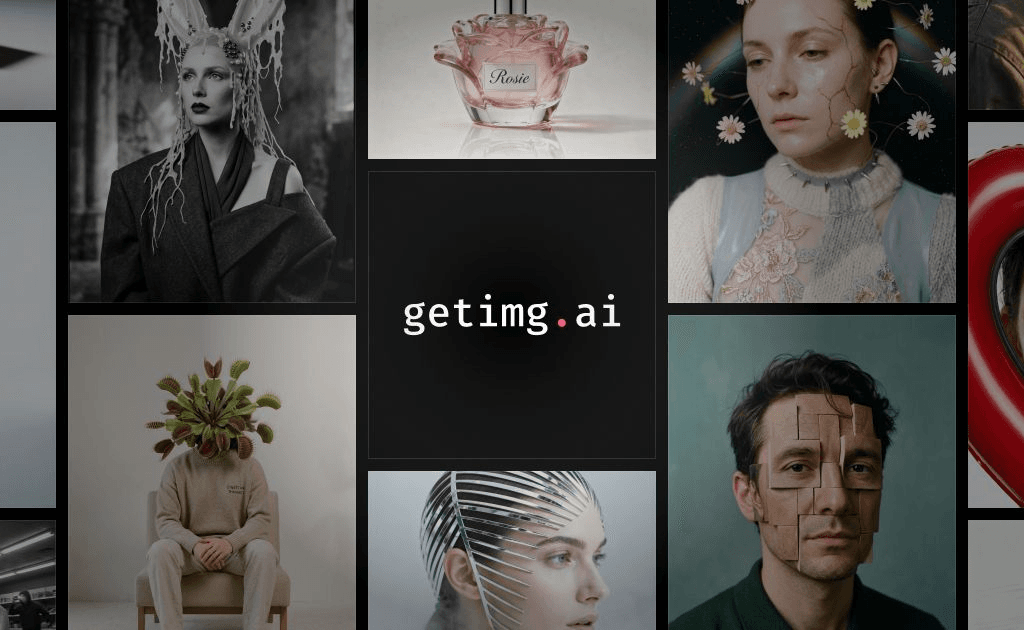
If your team is juggling separate apps for pictures and video, this is the one to look at. Getimg.ai pulls dozens of leading models into a single subscription, so you can generate images, video, music and voice in one place. Every plan includes commercial rights, there is a shared team workspace, and the brand consistency tools keep characters and styles steady across a whole campaign. Plans start at $8 a month.
Google Veo
Google’s Veo turns a text prompt into short video, and it has become a go to for quick marketing clips. If your team already lives in Google tools, access through Gemini is simple. It handles motion and scene changes well, though the strongest features sit inside the paid Google AI plans.
Runway
Runway is a favorite with creative teams that take video seriously. Beyond generating clips, it gives you real editing control, which matters when a rough draft needs to become a finished ad. There is a learning curve, but the payoff is polished video. Paid plans start at around $15 a month.
Adobe Firefly
If commercial safety keeps you up at night, Firefly is reassuring. Adobe trained it on licensed and public domain content, so the output is built for business use. It also lives inside Photoshop and Express, handy if you already run on Adobe. Paid access starts at around $10 a month.
Canva Magic Media
Most marketers already open Canva every day, and Magic Media puts generation right inside that workflow. You can create a visual and drop it straight into a social template without switching tools. It is not the most powerful generator here, but the convenience is hard to beat on a Canva Pro plan.
Midjourney
When you need a hero image that genuinely looks premium, Midjourney still sets the bar. The results have a polish and richness that few rivals match, which makes it great for brand campaigns and standout visuals. Just note that images are public by default unless you are on a higher plan. Plans start at $10 a month.
Ideogram
Ever tried to get readable text inside an AI image and ended up with gibberish? Ideogram solved that. It reliably renders words, which makes it a quiet hero for ads, banners and anything with a headline baked into the visual. There is a free plan to test it, with paid tiers for heavier use.
Synthesia
Synthesia is the odd one out here, and that is the point. It creates avatar led videos from a script, so you can produce explainers, training and product clips without a camera or a studio. For marketers who need talking head video at scale, it saves real time. Plans start at $18 a month billed annually.
Finding the right fit
With AI in marketing moving this fast, the right pick comes down to a few honest questions.
First, do you need both pictures and video, or just one? If you are constantly making both, a single platform that does everything saves real money and hassle. If you only need still visuals, a specialist will serve you better.
Second, how many people need access? Shared workspaces matter the moment more than one person is creating, because nobody wants assets scattered across personal logins.
Third, can you actually use the output commercially? Do not assume. Check it before a single asset goes into a paid campaign, because that one detail can undo everything.
Questions people ask
What is the difference between an image tool and a video tool?
An image tool creates still pictures from a prompt. A video tool creates moving clips. Some platforms now do both, which is why all in one options are popular with busy teams.
Can I use the results in paid campaigns?
Usually yes, but only if the tool grants commercial rights. Some free plans do not, so always confirm before you publish anything for a client or a paid ad.
Which option is best for a small team on a budget?
Start with a tool that bundles formats and includes commercial rights on its entry plan. That gives you the most range for the lowest spend without piecing together several subscriptions.
Do any tools handle both pictures and video together?
Yes. A few platforms now combine both in one subscription, which is often the simplest setup for a team that creates visuals and clips every week.