We use cookies, including third-party cookies from Google to serve personalized ads through AdSense, to operate this site and understand how it is used. By continuing to browse, you accept this use. See our Privacy Policy and Terms of Use for details, including how to opt out of personalized advertising.
Accept
SmartData CollectiveSmartData Collective
  • Analytics
    AnalyticsShow More
    What Kind of Problem-Solving Distinguishes Data Analysts From Software Engineers -- AI-generated illustration
    What Kind of Problem-Solving Distinguishes Data Analysts From Software Engineers
    7 Min Read
    chatgpt image jul 21, 2026, 04 34 30 pm
    4 Core Benefits of Predictive Maintenance after Vibration Analysis
    10 Min Read
    How Does Data Mining Boost Customer Satisfaction in Logistics? Harnessing Analytics for Results -- AI-generated illustration
    How Does Data Mining Boost Customer Satisfaction in Logistics? Harnessing Analytics for Results
    11 Min Read
    chatgpt image jul 13, 2026, 04 23 45 pm
    How Data Analytics Helps Companies Improve User Engagement
    19 Min Read
    chatgpt image jul 13, 2026, 03 59 46 pm
    How Data Analytics Improves Multi-Location Search Strategies
    10 Min Read
  • Big Data
  • BI
  • Exclusive
  • IT
  • Marketing
  • Software
Search
© 2008-25 SmartData Collective. All Rights Reserved.
Reading: Measuring Conversion Rate: Are you making an Impact?
Share
Notification
Font ResizerAa
SmartData CollectiveSmartData Collective
Font ResizerAa
Search
  • About
  • Help
  • Privacy
Follow US
© 2008-23 SmartData Collective. All Rights Reserved.
SmartData Collective > Big Data > Data Visualization > Measuring Conversion Rate: Are you making an Impact?
AnalyticsBusiness IntelligenceData VisualizationWeb Analytics

Measuring Conversion Rate: Are you making an Impact?

Tricia Aanderud
Tricia Aanderud
7 Min Read
Measuring Conversion Rate: Are you making an Impact?
Photo by whitesession on Pixabay (https://pixabay.com/photos/woman-portrait-business-woman-2759487/)
SHARE

Once you start looking at your Google Analytics, it is thrilling to see that visitors are coming to your humble Web site and some even return. Your first inclination is to create fancy charts to show the traffic patterns, compare the patterns by day of week, segment into New and Returning visitors, soon your charts may even be trending on #StuffDataGeeksDo.  

Contents
  • Is Your Website Working for You?
  • Measuring Conversion Rate
  • Using SAS BI Dashboard
    • Creating the Indicator Data
    • Adding a Range
  • Comparing the Conversion Rate Indicators

In the past few weeks I have been leaning on you to adding more VA-Voom!!! (in the words of Dr. Seuss) to your data using the SAS BI Dashboard. [More Google Analytics and SAS BI Dashboard articles]

Is Your Website Working for You?

When I started this blog, the main purpose was to ensure SAS BI users were aware of my book, see my writing style, and determine if I knew enough to have written a reliable book. To this end, I had to measure was how many people followed the links I had prepared. As a introverted data geek, this was a hard for me because I did not want to be the in-your-face, buy-this-now pushy sales lady! What I wanted was for SAS BI users to know that Angela and I had created an awesome resource for them.

In the following figure [click on image to see a larger version], you can see the different methods I tried along with the success rate. Appears that Method 2 worked the best; however attracting more visitors to the site also had an impact. Some notes – when I started Method 2, I kept the sidebar ad. When I started Method 3, I stopped adding the Ask for the Sale line at the end of the posts but did not remove them from older posts, which still got many hits. My conclusion: a combination of all methods provided the best result.

More Read

An Analysis of the R-help Mailing List
Business Objects-Scheduling Servers
Building Brand One Customer at a Time
Look Beyond Traditional Pharma Sales Data
Tell Your Kids to be Data Scientists, Not Doctors

This helps you see how the different activities can have an impact on your conversion rate.

Measuring Conversion Rate with Web Report Studio

Measuring Conversion Rate

I like the method Avinash Kaushik proposed for conversion rate at his Occam’s Razor site. Here is the gist of it, of all the unique visitors to the site, how many clicked the link for more information. Some will argue to use pageviews – but I cannot tell a “pageview” about anything – only a person. You could probably argue the other side successfully.  So just be consistent with whatever method you use.

Using SAS BI Dashboard

When you add Google Analytics measurements to your SAS BI dashboard, you can select from a variety of indicators to display your data. It gets confusing very quickly and if you spend anytime reading about dashboard design, there are many opinions about what works and does not work. From my prespective, it all depends on your situation. What fails miserably on one dashboard, rocks another one. Today I wanted to show you some of the different indicators with the same basic information and let you decide what works.

Creating the Indicator Data

Using a SQL Query as the Indicator data, here’s how I created the data table. Visitor Type is a category and the other ones are measurements. For the dashboard, this data is extracted nightly so I used INTNX funciton in the WHERE statement to indicate I wanted the data from the day before.

SQL Query in SAS BI Dashboard

Adding a Range

The goal was anything above 5% was considered green and anything below was a massive failure (red). Here is how I setup the range.

Comparing the Conversion Rate Indicators

First – this is not about a right or wrong way to present data; rather it is about effective and ineffective ways to present data. If your presentation is effective, the user quickly understands the message. In past posts I’ve preached about chart design so let’s just look at the examples.

Conversion Rate Indicators in SAS BI Dashboard

  • KPI Gauges (1 & 2) – There’s little difference in the information presented in these gauges. This may just be a matter of preference. This method probably is more effective when there are limited gauges on the page. If every other image is a gauge, it’s probably confusing. I would want the gauge to be linked to another dashboard or Web Report Studio report with more trending information. 
  • My own experience is when I am looking at the information daily, then I know what the rates were in the past 7 days so trending isn’t a chief concern.
  • Bar Chart with Reference Lines (3) – When I look at this indicator, I instantly see the yellow bar was really way off target and the green bar really exceeded expectations.

    I don’t see the overall numbers – just the conversion counts. Is that important to the user?  Does it make it more or less effective?

  • Waterfall (4) – This chart contains the total count of visitors and then has them segmented by visitor type. It’s effective because you get an idea of overall visitors to the site, but frankly I have to stop and think about this indicator everytime I use it. I would not choose this indicator for this particular data.
Which one do you think is better or worse? Leave me a comment.

Building Business Intelligence with SAS was released last week, why don’t you check it out!  Yours truly, Pushy Sales Lady

Share This Article
Facebook Pinterest LinkedIn
Share

Follow us on Facebook

Latest News

Flat editorial illustration: The article's core relationship is workload-by-workload decision-making for cloud migration, where s
Which Workloads Should Move to the Cloud?
Cloud Computing Exclusive IT
Flat editorial illustration: The article positions data governance as a strategic board-level concern rather than a purely techni
Why Data Governance Is Becoming a Board-Level Business Priority
Big Data Exclusive Policy and Governance
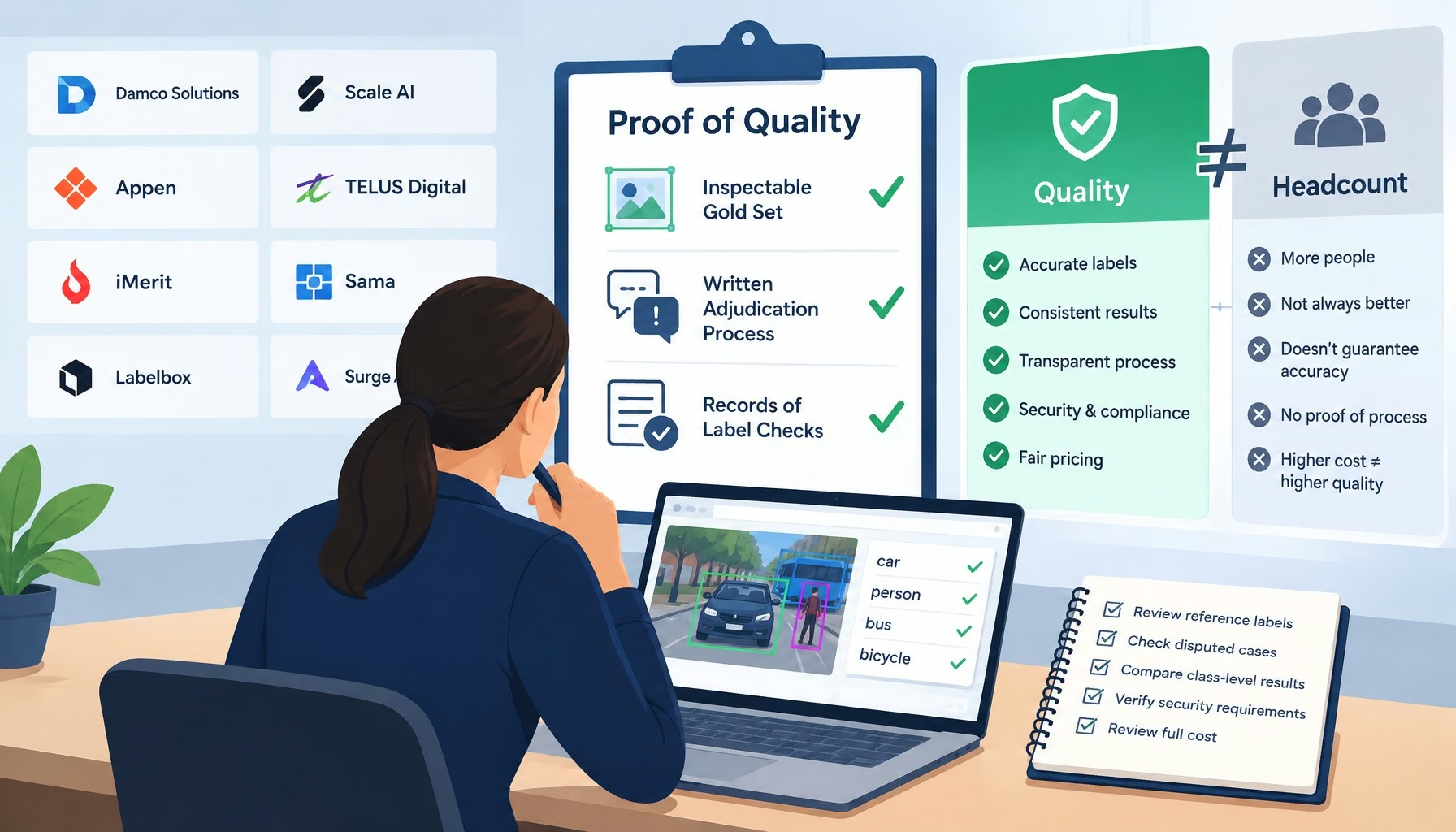
Flat editorial illustration: The article argues that data annotation quality should be measured by inspectable gold sets, written
The Top Data Annotation Companies Are Separated by Proof of Quality, Not Headcount
Big Data Exclusive
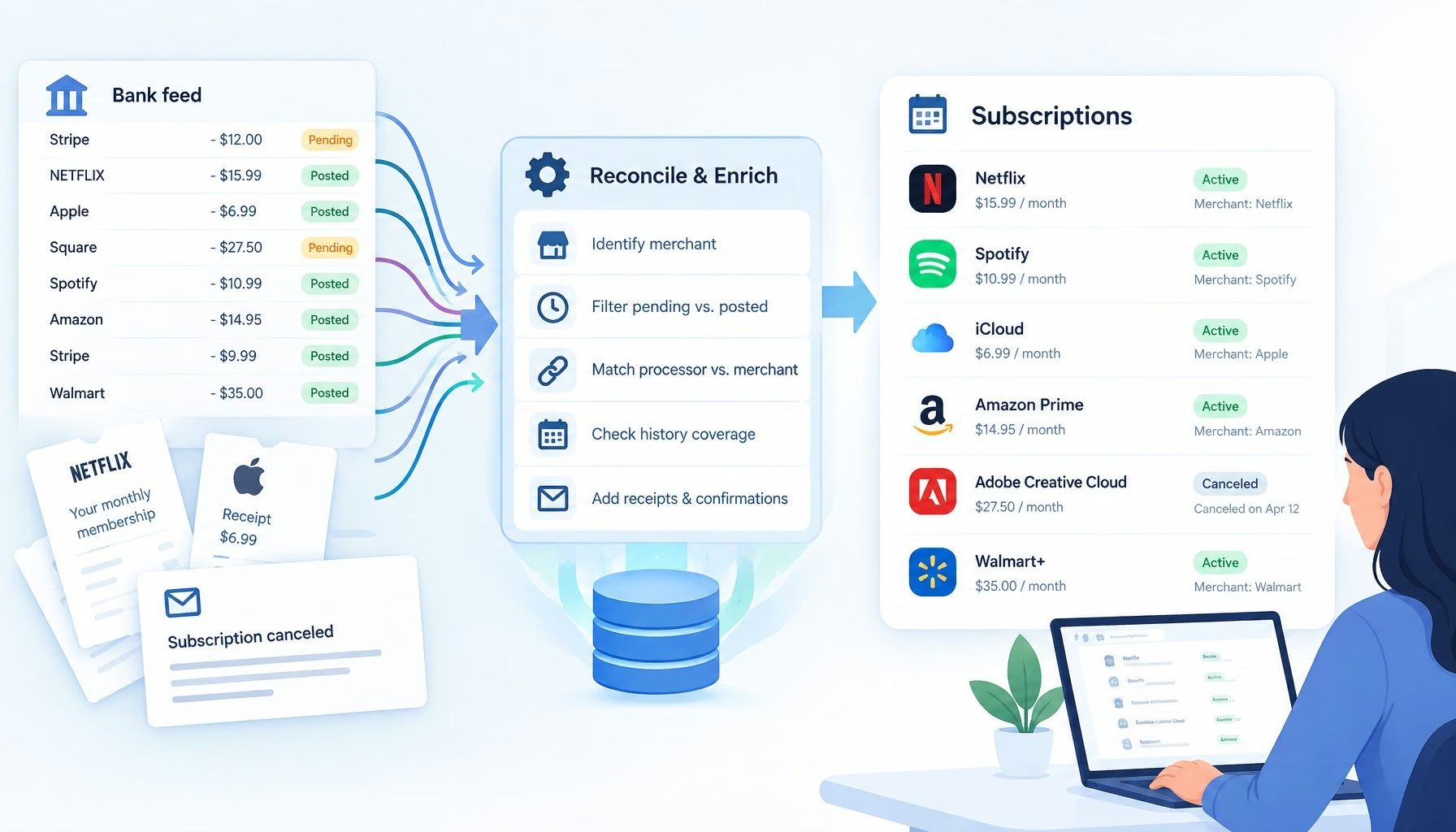
Flat editorial illustration: The article's core relationship is the gap between raw bank-feed records and reliable subscription i
Subscription Trackers Have a Transaction Data Problem
Big Data Exclusive

Stay Connected

1.2KFollowersLike
33.7KFollowersFollow
222FollowersPin

You Might also Like

5 Real-Life Applications of Real-Time Analytics
Predictive Analytics

5 Real-Life Applications of Real-Time Analytics

6 Min Read
Can AI Remove The Risk From EHRs?
Artificial IntelligenceExclusive

Can AI Remove The Risk From EHRs?

6 Min Read
The Impact of Big Data on Linguistics
Text Analytics

The Impact of Big Data on Linguistics

5 Min Read
Can Big Data Analytics Fight Poaching?
Predictive Analytics

Can Big Data Analytics Fight Poaching?

6 Min Read

SmartData Collective is one of the largest & trusted community covering technical content about Big Data, BI, Cloud, Analytics, Artificial Intelligence, IoT & more.

5 Great Tips for Using Data Analytics for Website UX
Big Data
Artificial Intelligence for eCommerce: A Closer Look
Artificial Intelligence

Quick Link

  • About
  • Contact
  • Privacy
Follow US
© 2008-26 SmartData Collective. All Rights Reserved.
Welcome Back!

Sign in to your account

Username or Email Address
Password

Lost your password?