

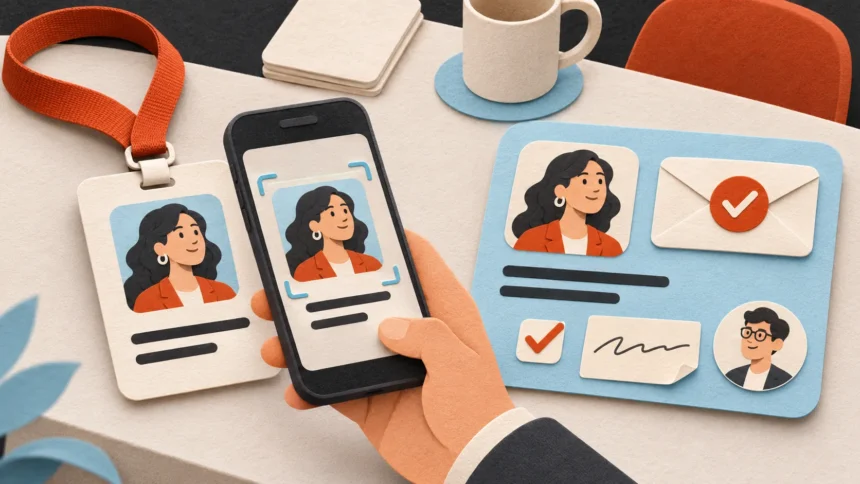
A trade show lead capture app can read the text printed on a badge or retrieve the attendee’s registration details through the organizer. These seven options include standalone apps, event platforms, and show-issued scanners. Compare what each captures, what works offline, and what reaches your customer relationship management (CRM) system.
- Event Lead Capture Options Compared
- What Separates a Usable Lead Capture App From a Scanner
- Seven Exhibitor Options: The 2026 Comparison
- 1. Wave Connect
- 2. Cvent | iCapture
- 3. Captello
- 4. momencio
- 5. Popl
- 6. Whova
- 7. The Show’s Official Lead Retrieval
- What Does Lead Capture Cost for a Four-Rep Booth?
- What to Verify Before You Buy
- FAQ
Choose a lead capture app that works at the shows you attend. Before buying, scan sample badges and open the CRM records. Look for a usable business email, the notes and qualification answers from the booth, the event source, and the person assigned to follow up.
- Optical scanning reads badge text. Enrichment can add contact details. An organizer integration retrieves the registration fields the show shares.
- Test whether a usable email, qualification answers, a note, the event source, and a follow-up owner reach the CRM together.
- Check organizer access and fees for every show on your calendar.
- Test offline capture, then reconnect to check when enrichment and sync occur.
- Compare total cost per show, including extra app licenses, badge access fees, and any CRM connector charges.
In Freeman’s 2025 Commercial Trends Report, lead generation accounted for 34 of the 100 points exhibitors allocated across four reasons for exhibiting. Exhibitors gave lead generation more weight than any of the other three goals.
We compared vendor documentation and exhibitor order forms for badge coverage, data sources, CRM handoff, and pricing. We checked published rates in November 2026. Use the trial checklist below to test scan accuracy and sync speed on your own badges and CRM.
Event Lead Capture Options Compared
| Option | Capture method | Show requirements | Lead workflow | Pricing basis |
|---|---|---|---|---|
| Wave Connect | Printed badge, business card, or supported QR code | Phone app. Printed-text scanning works without an API. | Enrichment, qualification, notes, and CRM field mapping | $10 per billable badge |
| Cvent iCapture | Supported organizer integrations and alternate capture | Confirm coverage and any organizer badge-kit charges. | Registration fields, qualification, and CRM routing | Ask for a quote |
| Captello | Lead capture and interactive booth games | Prepare any games and content before the show. | Qualification and CRM routing | Ask for a quote |
| momencio | Organizer integrations and EdgeCapture | Confirm how each show’s badges will be read. | Capture with personalized follow-up content | $7,500/year for Event Lead Capture; confirm add-ons |
| Popl | Printed-badge and business-card scanning | Confirm event plan and badge-kit support. | Qualification, notes, enrichment, and sync | Confirm license and usage charges |
| Whova | QR badge scanning within the event app | Organizer uses Whova and enables lead retrieval. | Capture, notes, and export within the event workflow | Confirm with the organizer |
| Official show app or rental | Show-issued scanner or app | Confirm activation, device, and export terms. | Registration fields available under the show’s package | Depends on the show and package |
What Separates a Usable Lead Capture App From a Scanner

Test the exhibitor’s workflow in the demo, from reading the badge to opening the resulting CRM record. The IAEE guide to evaluating event software also emphasizes testing the lead handoff between systems.
- Printed badge text. Optical character recognition (OCR) reads visible details such as a name and company. A separate enrichment step uses those details to look for a matching work email, phone number, or professional profile.
- Organizer integration. A supported app looks up the badge in the event’s registration system. Ask the organizer what access costs and which fields you’ll receive.
- Official show app or handheld. A show-issued scanner reads badges for that event. Check when you can access the leads and whether your team can sync them to the CRM or needs to import a file.
Seven Exhibitor Options: The 2026 Comparison
The options below serve different booth workflows, from capturing a badge on a phone to recording how each prospect engaged with a follow-up email.
1. Wave Connect
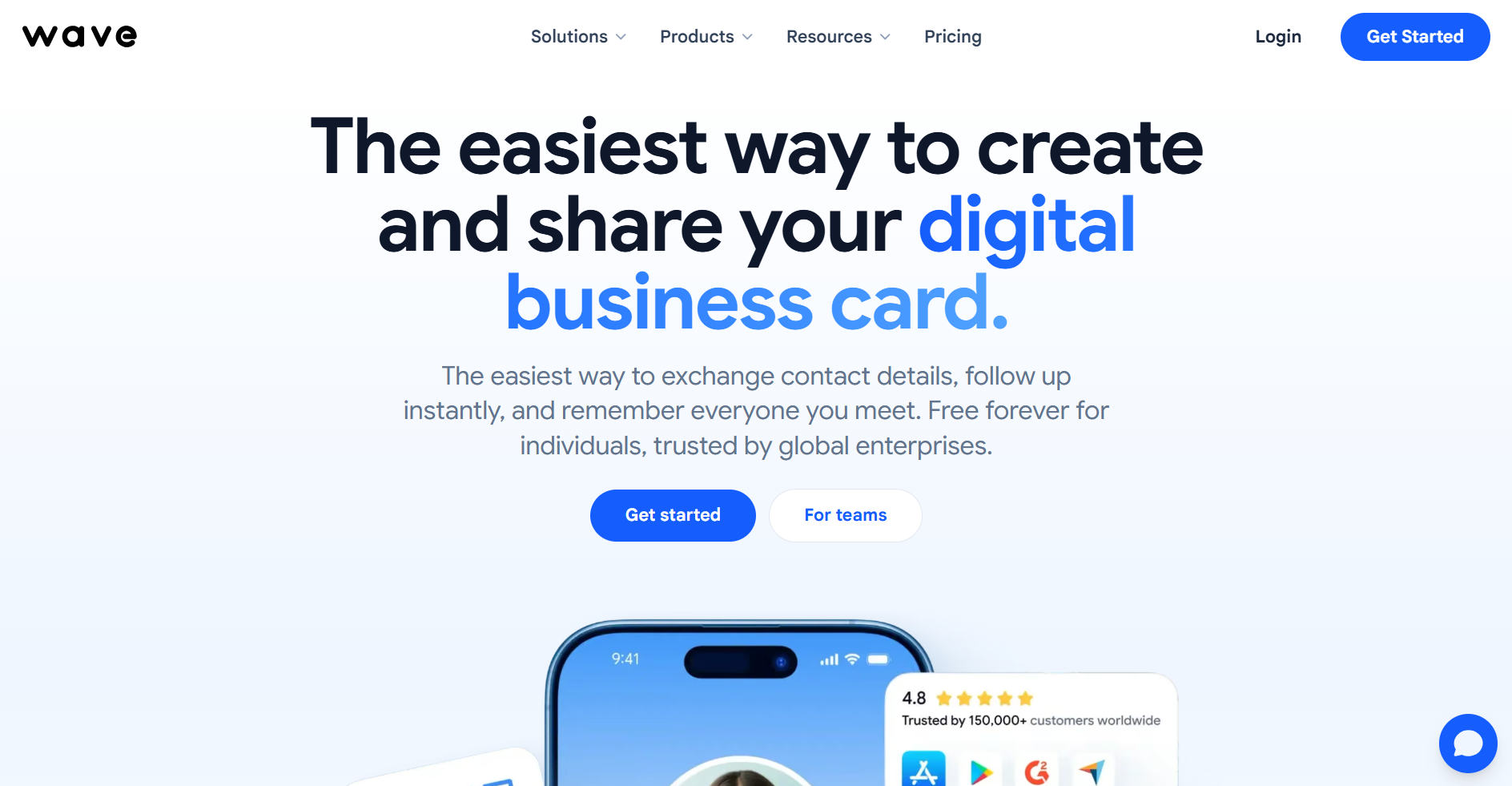
Wave Connect says its phone camera reads the name and company printed on a badge without using the show’s API or an encoded QR code. It also reads paper business cards and LinkedIn QR codes.
Wave says it checks multiple data sources for business email, phone, and LinkedIn details after reading a badge.
Wave Connect’s badge scanning for events supports custom qualification questions, typed or voice notes, and CRM field mapping. Wave lists HubSpot, Salesforce, and other CRM integrations. The company says reps can capture offline and sync after reconnecting.
Pricing. Wave lists four credits ($10) for a billable event badge and one credit ($2.50) for a billable business card or LinkedIn QR code. Wave says it waives charges for failed enrichment and duplicate scans.
More Read
Check before buying. Price the number of billable leads you expect. Ask which plan includes your CRM connector, then test how the app flags a missing or uncertain match.
2. Cvent | iCapture
Cvent says iCapture integrates with more than 130 badge providers to retrieve registration data at covered shows. Reps can also capture business cards or enter a lead manually. The platform offers configurable qualification and CRM routing.
Things to consider: Have Cvent confirm badge-kit coverage and any organizer charges for your show list. Ask which enrichment fields are included in the quote.
3. Captello
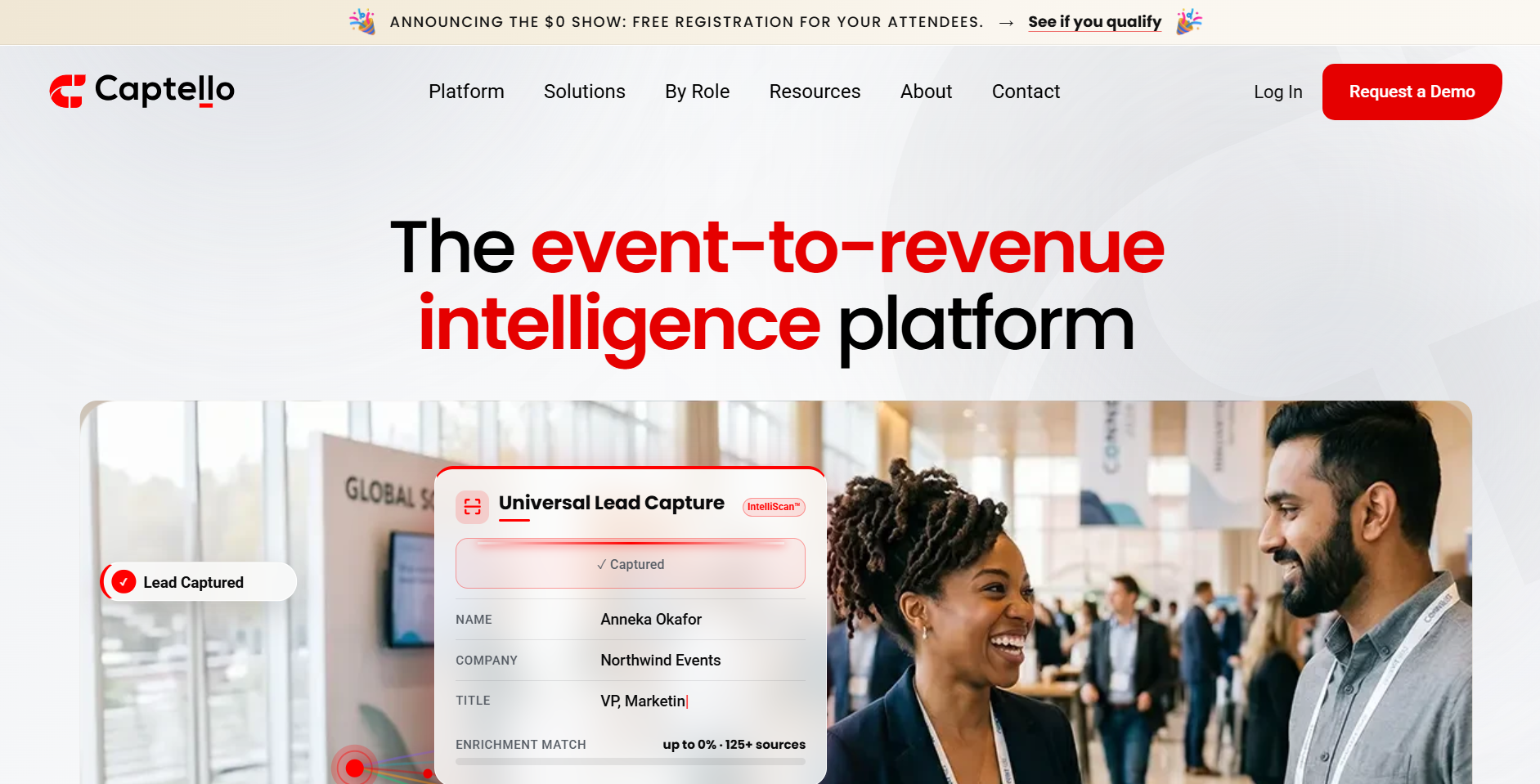
Captello offers booth games, leaderboards, and prizes that can collect attendee details during play. It also provides lead capture, qualification forms, and CRM routing.
Things to consider: Booth games add setup and content work. If reps primarily need a scanner, ask what capture and CRM routing cost on their own.
4. momencio
momencio combines booth lead capture with tools for sending personalized post-event content and tracking engagement. Reps can use the follow-up activity to see which material a prospect viewed.
Pricing. momencio lists its Event Lead Capture plan at $7,500 a year with 250 enrichment credits. Ask what your CRM connector and additional credits cost. Check whether the app will use the organizer’s integration or read printed badges with EdgeCapture.
5. Popl
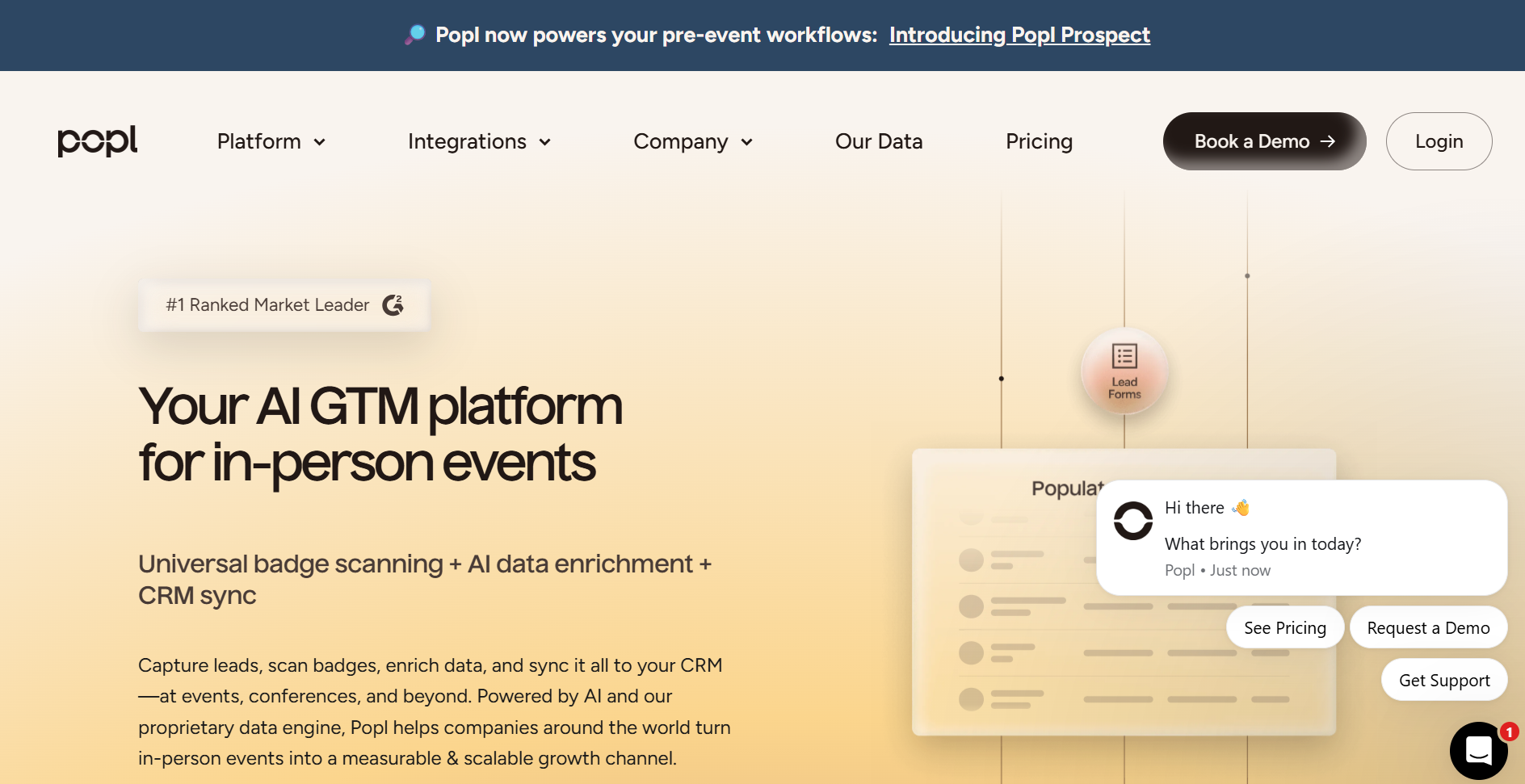
Popl says its mobile app reads the printed badge and lets reps add qualifiers and notes before syncing to the CRM. Its Event Intelligence feature, listed as beta in its help center, helps teams research exhibitors or attendees before a show.
Things to consider: Confirm the event lead capture plan, which enrichment fields it includes, and any supported badge-kit integrations for your events.
6. Whova
Whova offers QR badge scanning and manual lead entry within its event app. It fits exhibitors whose organizer already uses Whova and has enabled lead retrieval.
Check before buying. Ask the organizer what lead retrieval costs, which fields you can export, and when the export closes. If you use a different app at other shows, check whether the same fields can reach your CRM from both.
7. The Show’s Official Lead Retrieval
Exhibitors can often buy lead retrieval from the organizer through the show’s order form. Depending on the event, the options include a mobile app activation, a handheld scanner rental, or API access for an existing tool.
Things to consider: Fees and fields vary by show. The ATD 2026 order form listed an advance price of $350 for the first app license and $150 per additional license. Four licenses came to $800 before tax. The AAOS 2027 order form listed $625 for an early handheld rental and $1,155 for API access. Check which registration fields, notes, and exports the organizer includes.
What Does Lead Capture Cost for a Four-Rep Booth?
ATD 2026’s advance rate was $800 for four app licenses ($350 for the first and $150 for each of the next three). At Wave Connect’s listed rate of $10 per billable badge, 40 billable badges cost $400, 80 cost $800, and 120 cost $1,200.
The two prices match at 80 billable badges for this example. The comparison covers the ATD licenses and Wave’s badge credits. When you price your own show, add any taxes, connector fees, and the time your team spends importing or fixing records. Repeat the calculation for each event before comparing the total with an annual contract.
What to Verify Before You Buy
Run the same trial for each option on your shortlist. Use your actual CRM field mapping and the phones your reps will carry.
- Count readable badges and usable emails separately. Use sample badges or ask colleagues to take part. Record how often the app reads the name and company correctly, then how often it returns a verified work email for the right person.
- Check an existing contact. Scan someone who already has a CRM record. Make sure the new event activity appears on that record and the app preserves the existing owner and account details.
- Check a new contact. Open the record and look for the event or campaign, the assigned follow-up owner, a qualification answer, and the rep’s note.
- Test with the phone offline. Turn on airplane mode and confirm Wi-Fi is off. Save a test lead with a note and a qualification answer, then close and reopen the app before reconnecting. Check which fields and timestamps arrive in the CRM after sync.
- Check follow-up permissions. Read the exhibitor terms and use your team’s approved process for collecting attendee details. Test that any recorded follow-up preference reaches the system that sends your messages.
Missing event sources and duplicate contacts can distort reporting across a whole show. See our guide to CRM attribution errors for what to look for after records arrive.
FAQ
How can exhibitors test offline badge scanning?
Try capturing a badge, adding a note, and reopening the app with the phone still offline. Check that the record is still there. After reconnecting, time how long the contact details and note take to appear in the CRM.
Do you have to buy the show’s official lead retrieval to scan badges?
Sometimes. A camera app can read the printed name and company without connecting to the registration system. If you need the data behind an encoded badge, ask what the organizer offers and whether you’ll need to pay for access. Check the exhibitor terms before using a third-party scanner.