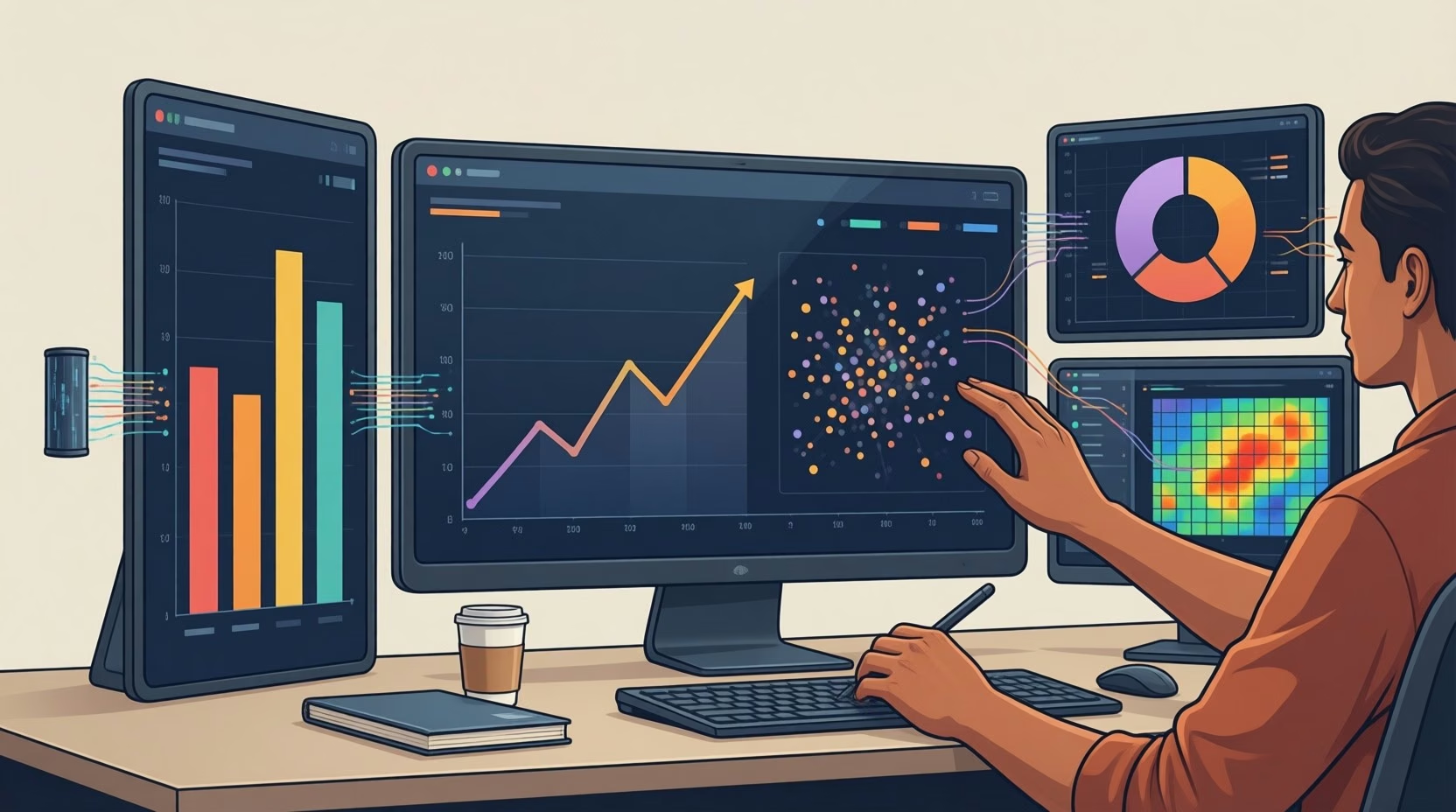
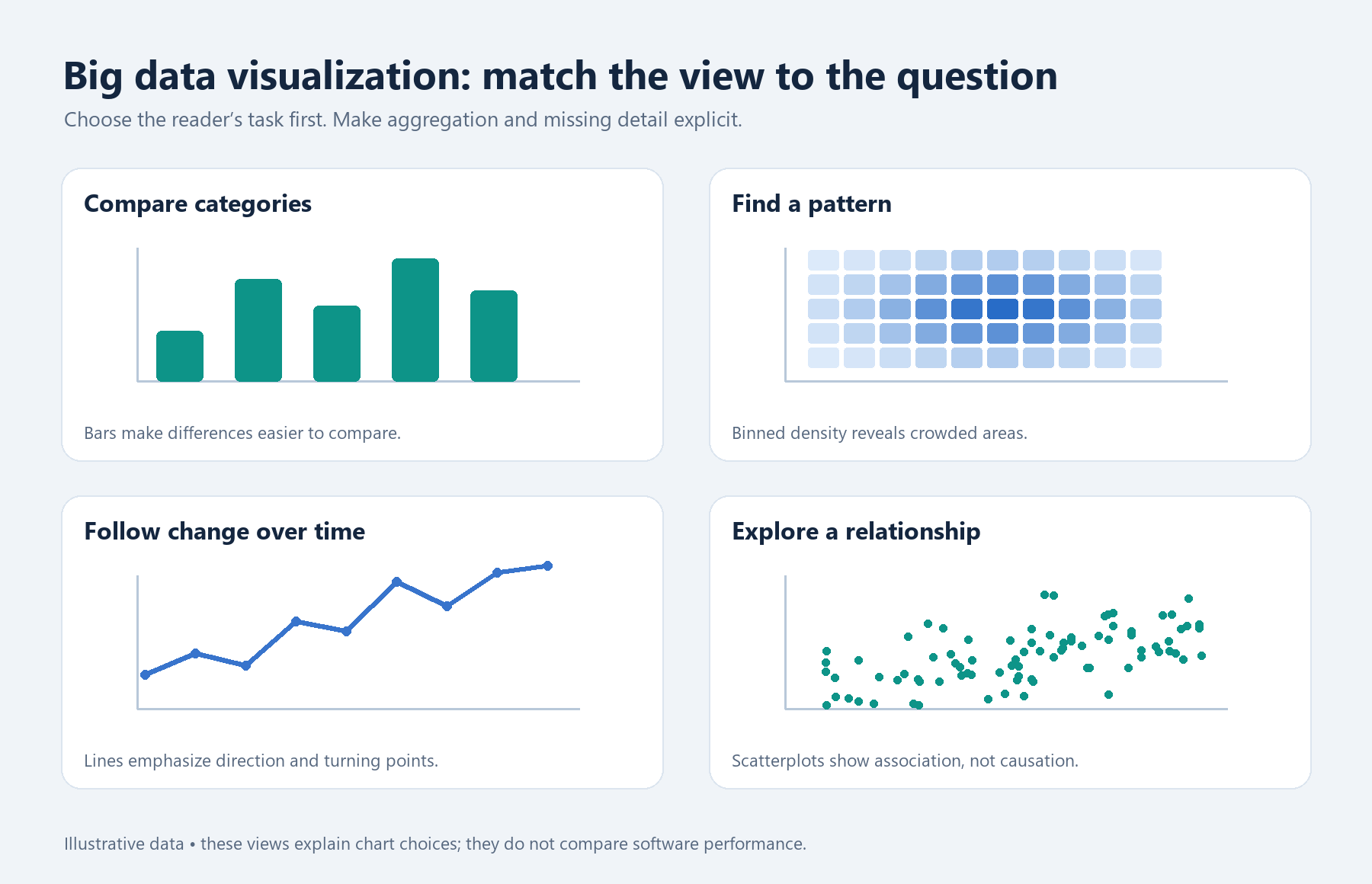
Big data visualization starts with deciding what a reader needs to see: a pattern across millions of observations, a change as new records arrive, or a comparison between different kinds of information. A chart can make analysis tremendously more valuable, but displaying more marks does not automatically reveal more. The useful approach depends on the data, the question and how much control the chart’s author needs.
- Handling volume, speed and variety
- Custom browser visualizations
- Reducing visual overload
- Python charts for analytical work
- Declarative and interactive charts
- Frequently Asked Questions
- Does a high-density scatter chart show every record?
- When should I consider Observable Plot instead of D3?
- Define the view before choosing the tool
Choose a big data visualization approach by matching the data’s volume, speed and variety to the reader’s task. Use custom browser graphics for detailed control, sampling to manage crowded displays, Python charts for analytical work, and declarative specifications for layered or interactive views. Make any reduction in displayed detail explicit.
- Separate the amount of data collected from the detail a chart needs.
- Choose custom control only when the visual question requires it.
- Explain sampling so readers understand what the display represents.
Handling volume, speed and variety
Oracle describes volume, velocity and variety as three defining characteristics of big data. Volume concerns quantity; velocity concerns how quickly data arrives or changes; variety concerns the different forms it takes. These characteristics create different visualization decisions, even within the same project.
For volume, decide whether the reader needs individual observations or a summary. For velocity, establish the time period being shown and make the display’s freshness clear. For variety, determine which records can meaningfully share a scale or category. Putting unlike measurements on one axis does not make them comparable.
These questions also shape data dashboards. A dashboard intended to show current conditions needs a different time context from one used to examine historical variation.
Custom browser visualizations
D3 is a free, open-source JavaScript library for data visualization. Its low-level control makes it a candidate when a project calls for a specifically designed display. The decision is whether that control serves a real analytical requirement: a distinctive layout or interaction should help readers answer a question.
D3’s own documentation recommends Observable Plot when low-level control is unnecessary. That is a useful starting point for choosing the level of customization. Define the required chart before committing to custom development. If an existing plotting approach expresses the comparison clearly, extra control may add work without improving the explanation.
Reducing visual overload
A crowded scatter plot can contain many observations that occupy the same screen space. Microsoft says Power BI’s high-density sampling algorithm eliminates overlapping points and keeps displayed points reachable through interaction. The documentation describes sampling as a way to make high-density visualizations responsive.
There is a risk that the additional complexity will overwhelm the reader; layering information may make the graphic more accessible.
Mike Bostock, in his 2014 technical articleThe resulting display is sampled, so it should not be presented as a visible mark for every underlying record. Removing overlap helps interaction, but readers still need to know what they are looking at. A sample-based overview and a complete record-level display support different interpretations.

Where a decision depends on an individual observation, the overview alone should not settle it. Treat the chart as an entry point to that question and identify the relevant underlying records separately.
Python charts for analytical work
For work in Python, whose official site is www.python.org, Matplotlib provides a useful chart structure to understand. Its documentation organizes plots into Figures and plotting areas called Axes. Here, “Axes” names the plotting area, not simply the horizontal and vertical axis lines.
The Figure keeps track of its child Axes, titles, figure legends, colorbars and even nested subfigures. This distinction helps when planning several related views: the Figure holds the overall composition, while each Axes provides a plotting area.
For example, an analyst could plan separate views for two measures with different units. The design still needs clear labels and a deliberate decision about which scales readers should compare.
Declarative and interactive charts
Vega-Lite provides a concise, declarative JSON syntax for visualization. The author describes the chart through a specification. Its documentation also supports composing specifications into layered and multi-view displays and adding interaction through selections.
Layers and multiple views address different presentation needs. Layers put visual elements together; multiple views give them separate displays. Choose the arrangement according to what readers need to compare. Interaction should also have a defined purpose, such as helping a reader examine a selected part of the data.
The options below compare documented capabilities, not measured speed or maximum dataset size.
| Approach | Supported decision criterion | Design question |
|---|---|---|
| D3 | Low-level visualization control | Does the chart need custom design? |
| Power BI high-density sampling | Overlapping-point reduction | Is a sampled display appropriate? |
| Matplotlib | Figures containing Axes | How should plotting areas be arranged? |
| Vega-Lite | Declarative, layered and multi-view specifications | Which views and selections serve the question? |
Frequently Asked Questions
Does a high-density scatter chart show every record?
Not necessarily. Power BI’s documented high-density approach uses sampling. Readers should not assume that every underlying record has a separate visible point.
When should I consider Observable Plot instead of D3?
D3’s documentation recommends Observable Plot when low-level control is unnecessary. Start with the chart’s requirements to decide whether custom control is justified.
Define the view before choosing the tool
Write down the comparison the reader must make, the time period it covers and whether individual records must remain distinguishable. Use those requirements to choose a visualization approach and explain any sampling in the finished display.
The original article’s book reference is Packt’s Big Data Visualization . The technical explanations here draw on the documentation linked above.