

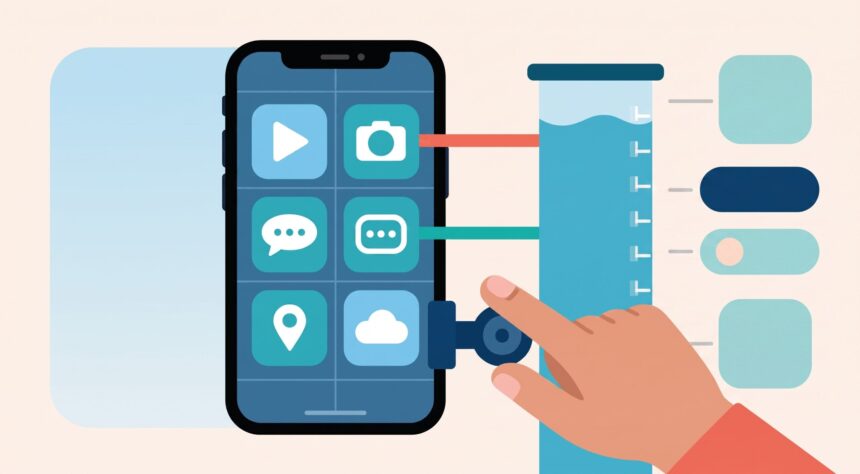
By now, most of us are aware of the basics when it comes to controlling data usage on our smartphones. We know that we should always use our WiFi networks when we’re at home instead of our mobile data connections because otherwise, we’re wasting money. We also know that whenever we’re in a trustworthy public place that offers WiFi, we should also use that connection for the same reason.
When we’re out in public, and there’s no WiFi available, the best advice is to avoid using any app which we know uses data, but that isn’t always practical or desirable. You’re paying for a data package, and you should be entitled to use it without fearing that any of your apps are going to suck down more data than you’ve asked them to. Many of them do so regardless, and so you need to know how to correct their greedy habits.
Without that knowledge, you?re left with a device full of apps that consume data without knowing why, and costing you money in the process when you exceed your limits. It makes every time you open an internet-enabled app on your phone a gamble, where you?re crossing your fingers and hoping that you?re not about to lose 500MB of data in five minutes. That?s like visiting Amigo Slots and playing all of their slot games in reverse; spinning the reels without understanding the mechanism, and watching money paid out to the website instead of coming to you. Nobody would play online slots if that were the way they worked, and nobody should put up with their apps treating them like that either.
The main culprits of data-draining are the apps you probably already suspect of doing it, and you may think it?s impossible to change the way they work, but you can.
More Read

YouTube
The best way to avoid YouTube burning up your data allowance is not to use YouTube on your phone at all, but we know that’s sometimes unavoidable. Sometimes you need to find a tutorial video in a hurry. Other times, you desperately need to show your friends a hilarious video that you’ve seen but they haven’t. YouTube will automatically display those videos in the best quality your connection will allow for. That means that if it can offer you HD streaming, it will do so, with obvious consequences for your data.
There is a way around this. All you need to do is open the ?settings? menu, and you?ll find an option which tells YouTube to only stream in HD if your device is connected to a WiFi network. Turn that on, and you no longer have to worry about the issue. You?ll still be using data, but it won?t be as much.
Spotify
Most of us like to listen to music when we?re on the move, and Spotify is the current app of choice when it comes to doing that. It doesn?t take a genius to work out that if you?re streaming music when you?re out of the house, and there isn?t a WiFi network around to use, you?ll be streaming data to do it. You might think there?s no way around that, but there is.
Spotify offers you the ability to download music to your phone to be played offline. That can be individual tracks, whole albums or personalized playlists. If you have a go-to app for the gym, for example, you can have that downloaded and queued up for your next visit without having to worry about your data. This relies on you having the storage space on your phone, so it?s a question of whether making the room is more important to you than paying for extra data.
Facebook never used to be as data-hungry as it is now; people have always used up a lot of data through the app, but that’s because they check it so often. Now, it consumes a lot of data every time you open it because Zuckerberg and company decided that auto-playing videos would be a great idea. Almost everybody found this to be unnecessary and annoying, but there?s no sign of the social media network going back on the idea.
They have at least offered us a way out of it. Find your way to Facebook’s settings menu, then enter your account settings. There’s a menu option here for videos and photos. Within that menu, you can tell the app never to automatically play videos again. If you’re happy for it to happen when you’re connected to a Wifi network, that option is there too.
The automatic playing of videos is also now an issue with Instagram and Twitter, and both apps also contain settings which stop this from happening. You?ll find them in the relevant area of the settings menu of both apps.
Snapchat
Snapchat lives in the moment; it’s an app for the here and now, where everything is instant. Because it thinks you want to see everything the moment it appears, it pre-loads both snaps and stories, so they play immediately if you want them to. The problem is that your data has been used even if you don’t play the video, and so you’re wasting your data allowance on things you never see.
The app does allow you to turn this feature off, but the option is well-hidden. You need to access your profile screen first, and then the gear icon in the top right-hand corner. That will bring up a menu, with a vaguely-worded option called ?manage.’ Tap on that, and you’ll find ?Travel Mode.’ While it sounds like that should work the same way as airplane mode on your phone, it doesn’t. It simply tells Snapchat that you’re ?traveling’ – i.e., you’re not on a WiFi connection, and so it uses less data.
Final Thoughts
The above advice represents minor changes to the apps you’re likely to use the most often but should result in major improvements in your data usage. You can still enjoy the apps just as much as you do right now while worrying less about what they cost you.