
Cookies help us display personalized product recommendations and ensure you have great shopping experience.

By using this site, you agree to the Privacy Policy and Terms of Use.
Accept
SmartData CollectiveSmartData Collective
  • Analytics
    AnalyticsShow More
    business using business intelligence
    How to Use a Competitive Intelligence Dashboard to Turn Market Data Into Smarter Marketing Decisions 
    9 Min Read
    unusual trading activity
    Signal Or Noise? A Decision Tree For Evaluating Unusual Trading Activity
    3 Min Read
    software developer using ai
    How Data Analytics Helps Developers Deliver Better Tech Services
    8 Min Read
    ai for stock trading
    Can Data Analytics Help Investors Outperform Warren Buffett
    9 Min Read
    media monitoring
    Signals In The Noise: Using Media Monitoring To Manage Negative Publicity
    5 Min Read
  • Big Data
  • BI
  • Exclusive
  • IT
  • Marketing
  • Software
Search
© 2008-25 SmartData Collective. All Rights Reserved.
Reading: Is Your Dashboard Working?
Share
Notification
Font ResizerAa
SmartData CollectiveSmartData Collective
Font ResizerAa
Search
  • About
  • Help
  • Privacy
Follow US
© 2008-23 SmartData Collective. All Rights Reserved.
SmartData Collective > Business Intelligence > Business Rules > Is Your Dashboard Working?
Business RulesData QualityData Visualization

Is Your Dashboard Working?

MIKE20
MIKE20
3 Min Read
SHARE

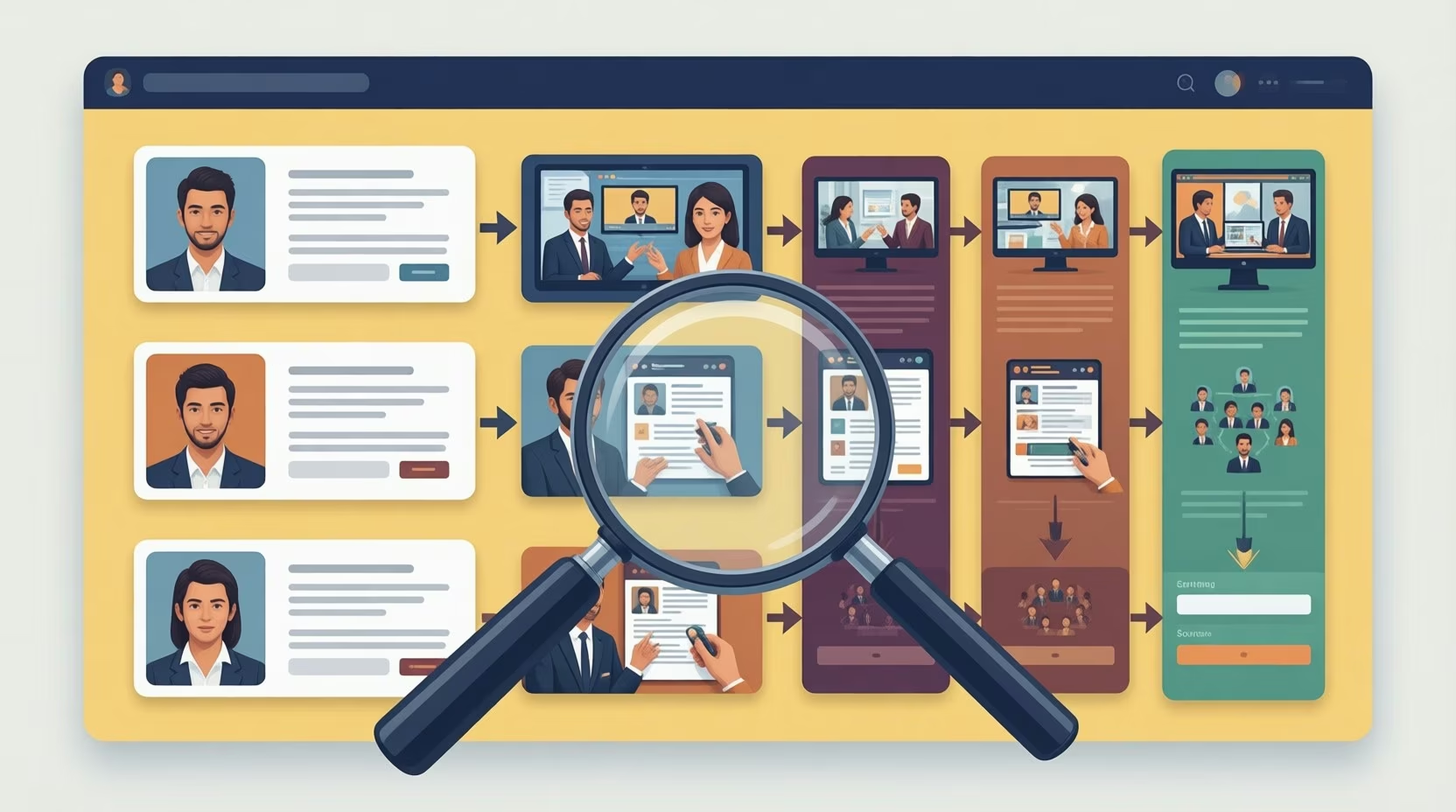
It’s no wonder they call it a dashboard… Like your car, your business could scarcely move forward without it. A well designed intelligence dashboard provides a snapshot of the overall health of your operations and gives immediate insight into areas that need improvement or tuning. In short, it’s key to keeping your finger on the pulse of your business.

At a minimum it helps:

1. Provide needed performance metrics and data for decision making.

2. Save time by showing only key reports.

More Read

You Can Divide and Conquer Through Segmentation
Get to the point
Data Visualization – A Growing Business Need
A long look at Stephen Few’s “Now You See It”
A Visualization of the World’s Largest Data Breaches [INFOGRAPHIC]

It’s no wonder they call it a dashboard… Like your car, your business could scarcely move forward without it. A well designed intelligence dashboard provides a snapshot of the overall health of your operations and gives immediate insight into areas that need improvement or tuning. In short, it’s key to keeping your finger on the pulse of your business.

At a minimum it helps:

1. Provide needed performance metrics and data for decision making.

2. Save time by showing only key reports.

3. Communicate trends with team members and management.

Most BI analytic and reporting programs (Google, Salesforce, Radian6, Raven, etc. to name a few) offer this feature, but how well are we using it? To get the most of your intelligence software, your analytics dashboard must (at a minumum) be up-to-date, designed with your bottom line in mind, and easily shareable and accessible.

It sounds like a no-brainer, but meeting these requirements are often easier said than done. Most organizations struggle with data quality and input delays. Does your sales or HR department update their progress on a daily or monthly basis? Are all the necessary fields being populated? If the information is not timely or correct, your dashboard and decision making will suffer as a result.

If data quality isn’t your problem, what about the design? When it comes to the layout and contents of your dashboard, you could easily be making a crucial mistake. Are you focusing on the correct reports that  impact the bottom line for your department? Is unnecessary information deterring viewers from seeing the real picture? Even the best dashboards need fine tuning as goals and business needs change.

What about accessibility? Possibily the most crucial requirement for having a well-performing intelligence dashboard is the ability for team members to easily access and share information in real time.  Allowing proper edit and access levels that allow the right people to pull reports and make changes sounds elementary, but can often be overlooked when designing your system.

What factors do you think contribute to a well-oiled intelligence dashboard, and how well is yours working?

TAGGED:dashboard
Share This Article
Facebook Pinterest LinkedIn
Share

Follow us on Facebook

Latest News

AI driven big data company
How AI-Driven Workflows Are Changing the Way Companies Think About Data Risk
Artificial Intelligence Data Management Exclusive Risk Management
ai product development
Why Businesses Outsource AI Product Development Companies
Exclusive News
banking tools
The Fintech and Banking Tools Global Entrepreneurs Rely On
Fintech Infographic
business using business intelligence
How to Use a Competitive Intelligence Dashboard to Turn Market Data Into Smarter Marketing Decisions 
Analytics Big Data Exclusive Marketing

Stay Connected

1.2KFollowersLike
33.7KFollowersFollow
222FollowersPin

You Might also Like

dashboard tool
AnalyticsBig DataBusiness IntelligenceData ManagementData VisualizationModelingSoftware

First Look: Decisions

6 Min Read

Analytics In A Global Recession: Fixed Price Operational Dashboard

2 Min Read

SAS BI Dashboard: Don’t Forget the Timestamp

5 Min Read

6 Innovative Dashboards

3 Min Read

SmartData Collective is one of the largest & trusted community covering technical content about Big Data, BI, Cloud, Analytics, Artificial Intelligence, IoT & more.

AI and chatbots
Chatbots and SEO: How Can Chatbots Improve Your SEO Ranking?
Artificial Intelligence Chatbots Exclusive
giveaway chatbots
How To Get An Award Winning Giveaway Bot
Big Data Chatbots Exclusive

Quick Link

  • About
  • Contact
  • Privacy
Follow US
© 2008-25 SmartData Collective. All Rights Reserved.
Welcome Back!

Sign in to your account

Username or Email Address
Password

Lost your password?