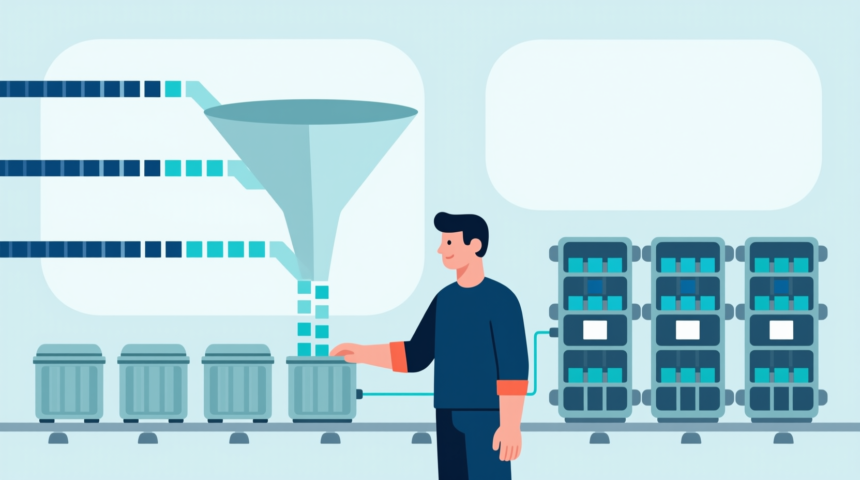
Big data is changing the world in tremendous ways. One of the areas where big data is having the largest effect is with software development.
A growing number of DevOps platforms are using new data analytics and machine learning tools to boost performance. Docker is one of them.
The Role of Big Data with Docker for Software Development
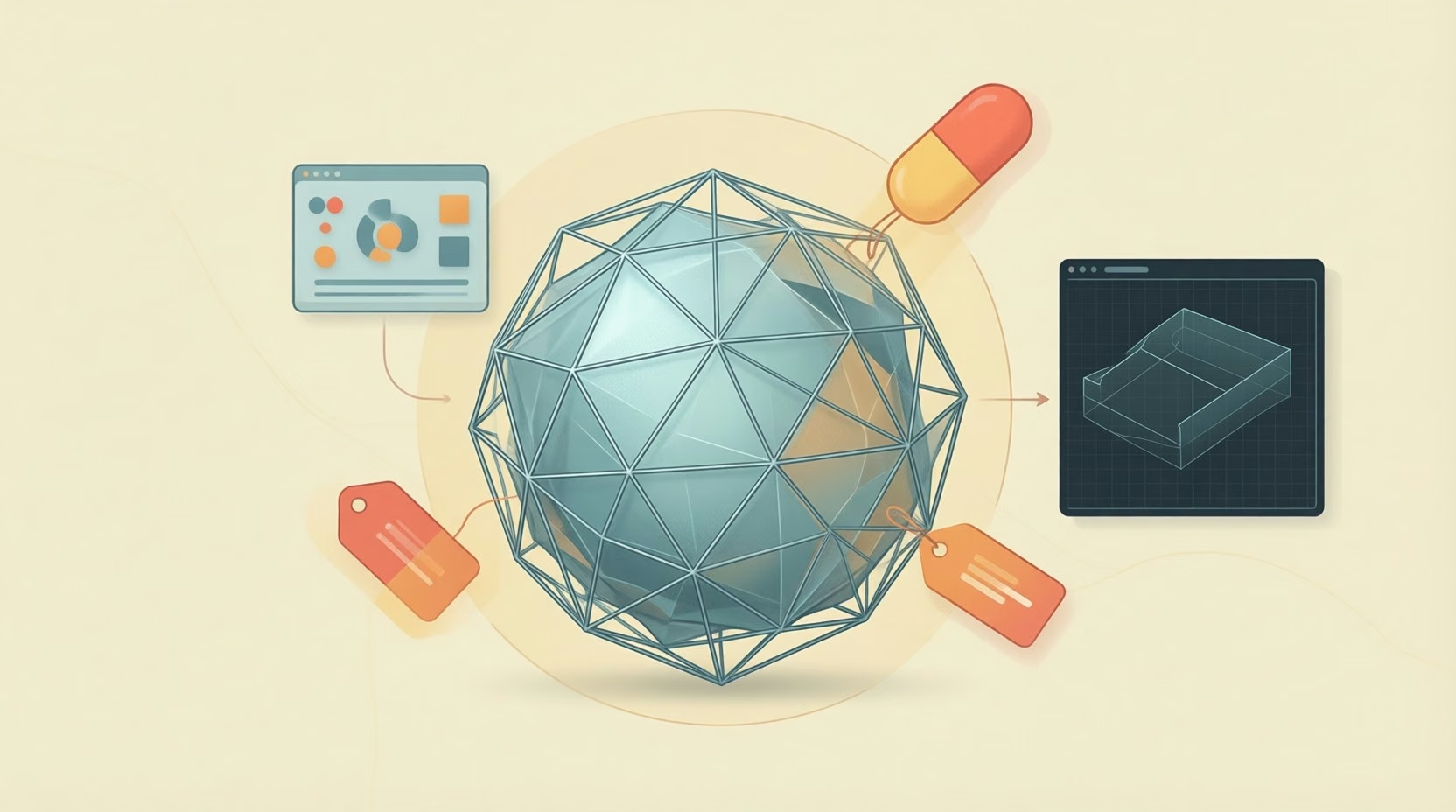
Enterprises around the world have recently gained interest in Docker. The features it offers for software development continuously impresses businesses. Docker is a software system built for developers to pack, distribute and manage applications. The platform uses “containers” that allow development teams to complete projects more efficiently. When developers use Docker, they can automatically deploy applications within available containers; these containers (think like files in Windows) are collectively known as a “container registry“. Hence, you can drastically improve your software development process by storing images of code in these registries. Continue reading to learn how to use Docker for desktop effectively.
Review Docker Requirements
Before you can begin using Docker, you need to meet the platform’s requirements. Docker’s desktop version runs on a variety of Windows versions. However, it still cannot function properly on all versions of Windows. Many developers succeed with 64-bit Windows 10 Pro. Teams that use Windows Enterprise also download and install Docker Desktop with a simple download. Additionally, the platform runs on Education and Build 10586 Windows versions. Similarly, you can download artifact management applications such as JFrog on your Windows system. Assure that you have one of these Windows versions to use Docker along with any other integrations.
More Read

Download and Install Docker Desktop
After you review and meet Docker’s requirements for installation, download the Desktop software. The platform provides you with easy-to-follow instructions for setting it up on your computer. It also keeps you updated during the process, so you can wait for the installation to complete with ease. Once Docker finishes installing, proceed to create a free account on the big data platform. Visit Docker’s Hub to access the account sign up page. Afterward, you can use that account login information to access the Windows installation. Follow these steps to successfully set up Docker onto your desktop. A proper setup process paves the way for successful software development.
Integrate Preferred Applications
Another crucial step to take when using Docker for desktop entails integrating your favorite applications with your big data platforms. These tools enable enterprise development teams to automate their pipelines. The top applications also allow you to scale your team comfortably with active clustering. Search for tools that offer high-level security solutions. That way, you can back up your Docker Registry and avoid dealing with cyber-attacks or security breaches. Another rule of thumb to follow when integrating your favorite applications is to ensure that they integrate well with your new platform. Since Docker is currently quite popular in the IT world, you can find several apps that connect properly. Use them to optimize your software development process.
Customize And Push Images
Additionally, start developing by creating custom images in Docker. Access your preferred text editor. From there, create a Dockerfile in a C:\temp directory. Keep in mind that you do not need to use an extension at this point. Once you create the directory, paste in a code that communicates with Docker. This code alerts Docker that you want it to use the same IIS base image with a new HTML layer. You will be left with a new image that already contains your HTML. Place that image into your terminal and run it using code. Finally, push your new, customized image to Docker Hub. Use this Docker for desktop process to build new images for software development projects.
Always Save Development Data
Furthermore, always save your development data when using Docker for desktop. While this may seem like common sense, many developers forget to save their work before logging out of the platform. Unlike other online technologies such as Google Drive, Docker does not continuously auto save your work. When you select the “Close and log out” button, Docker does not save your data for you. If you proceed to log out before saving, you could lose all of your hard work. Thus, manually saving your images and projects is a crucial step when using Docker Desktop to develop software.
Docker Registries offer several benefits to development teams looking to modernize their strategies and improve their workflows. Developers particularly enjoy using Docker for desktop. To use the platform properly, review the Windows requirements you need to meet. Once you install an acceptable version of Windows to your computer, download and install Docker Desktop as well. Then, you can begin creating custom images and pushing them to Docker Hub for use. Select your favorite applications for software development and integrate them with your new, advanced platform. Lastly, remember to constantly save your data on Docker. Unlike other platforms that enterprises use, Docker does not auto save work for you. Complete these steps to use Docker for desktop and improve software development.
Big Data is Changing the World of DevOps Through Docker
Big data is playing a very important role in the software development field. Docker is one of the platforms that relies extensively on big data. You can’t ignore the benefits that it provides.